
MOBILE SECURITY / PRACTICAL PRIORITIES
A safer phone.
A clearer threat model.
Separate ordinary account and device protection from physical supply-chain concerns. Useful precautions depend on what the organisation is trying to prevent and what it can actually control.
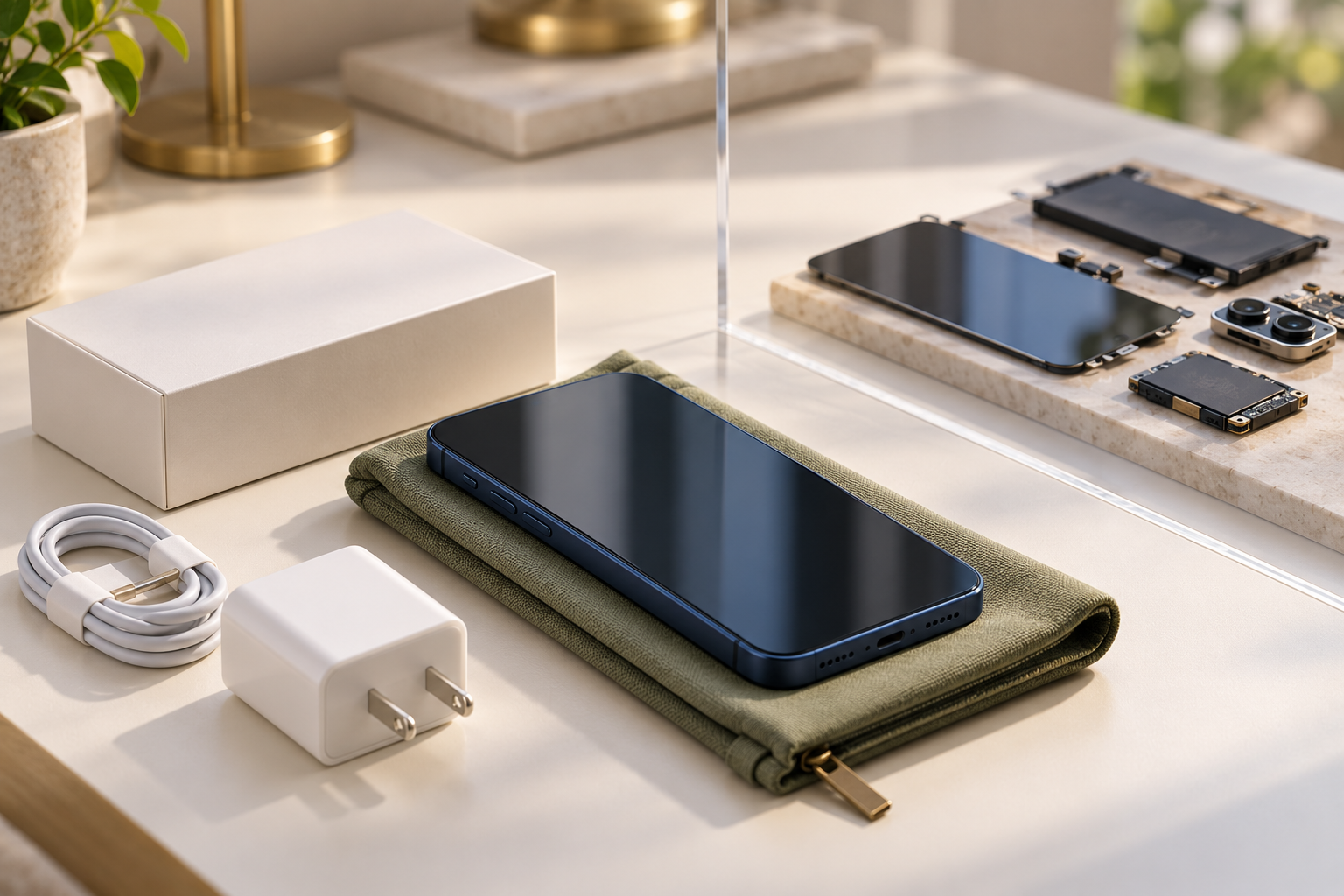
The September 2024 attacks involving communications devices in Lebanon prompted clients to ask what they should change about their smartphones. The first useful answer is to distinguish physical tampering from the software, account and theft risks that ordinary users face.
A restart, update or VPN cannot establish that hardware has never been tampered with. Those controls answer different questions. A clear threat model helps a business take proportionate precautions rather than treating every phone as the same kind of target.
THE EXECUTIVE BRIEF
Choose the precaution for the risk.
- Use supported software, strong access and a rehearsed lost-device process for everyday protection.
- Use procurement and chain-of-custody controls to address physical provenance.
- Give highly targeted people access to specialist assessment and proportionate stronger controls.
01
Two protection tracks, with different evidence.
THE THREAT-MODEL SPLIT
Software care does not certify hardware provenance.
DIGITAL AND ACCOUNT RISK
Protect how the phone is used.
Updates, screen lock, account security, app permissions, supported theft protection and response to a missing device.
PHYSICAL AND SUPPLY-CHAIN RISK
Know where the device came from.
Trusted procurement, recorded custody, controlled repair and replacement, and an escalation route for an unexplained device change.
CyberSolace distinction. Routine software checks cannot prove the absence of physical interference; a physical concern needs an appropriate specialist route.
For a business buying phones, a credible procurement record is more useful than an employee trying to inspect internal components. Use authorised suppliers and repairs, maintain an inventory and make unexpected replacements or unrequested accessories easy to report.
Do not ask staff to investigate a suspected physical hazard themselves. Route a credible safety concern through the organisation’s established safety and security arrangements. Keep that exceptional situation distinct from ordinary software troubleshooting.
02
Make the everyday controls dependable.
Keep the operating system and applications supported and updated. Review the apps installed, the permissions they hold and the work information they can reach. A device that no longer receives relevant fixes may need replacement rather than another policy reminder.
Use a strong screen lock and appropriate account protection. Enable theft-related features supported by the device and version, and reduce unnecessary sensitive content on the locked screen. A handset can be locked while visible notifications still disclose useful information.
Apple’s Stolen Device Protection and Google’s supported theft-protection controls add checks around certain sensitive changes or theft situations. Availability and behaviour vary by device, software and settings. Check the manufacturer’s current instructions instead of assuming a feature is active everywhere.
THE PRACTICAL CHECK
- Is this device still supported and receiving updates?
- Can someone reach sensitive work or account changes from the locked device?
- Which apps and sessions have important access?
- Can the owner recover safely without this phone?
- Can the organisation restrict work access promptly after a loss?
03
Keep the older advice in proportion.
The original post pointed readers to the NSA’s longstanding Mobile Device Best Practices guide. It remains a useful historical reference for basic habits; it should not be presented as a newly issued May 2024 document or a promise that a weekly restart removes all threats.
| Habit | Useful boundary |
|---|---|
| Restarting the phone | Can disrupt some transient activity; does not replace updates, remove every compromise or establish that a device is safe. |
| Using a VPN where appropriate | Protects a particular network path; does not make a malicious site, compromised endpoint or deceptive message trustworthy. |
| Using trusted accessories | Supports procurement and compatibility; a genuine charger is not proof that the phone or account is uncompromised. |
| Updating software | Closes addressed vulnerabilities when the update is installed; does not settle account misuse, physical provenance or every new threat. |
The better operating habit is to know what each precaution changes and what it leaves unresolved. Staff can follow a short, workable set of actions when those actions have a clear purpose.
04
Prepare for the phone that is lost at the wrong time.
Keep account recovery and organisational reporting available independently of the normal handset. Important accounts should not depend on one person having one device, with no controlled alternative when it is missing.
For work use, agree who can revoke sessions, lock access or approve a wipe, and how privacy and ownership affect that authority. An employee-owned device and an organisation-owned device may require different arrangements. Test the actual route out of hours.
THE LOST-DEVICE REHEARSAL
One event, several owners.
PERSON
Report the loss through a known route.
Use the official device service and avoid unsolicited recovery links.
ORGANISATION
Assess and restrict work access.
Reach the responsible responder, preserve necessary records and verify which actions succeeded.
ACCOUNT RECOVERY
Restore access without an easy bypass.
Use controlled alternatives that do not rely only on the missing device or an unverified caller.
Illustrative responsibilities, not a device-specific remote-wipe instruction.
05
Some people need a different level of protection.
Executives, journalists, activists, lawyers and others can face highly targeted threats because of their role or circumstances. Do not assume everyone needs the same restrictive setup, or that ordinary consumer habits are sufficient for a person with a credible targeted-risk concern.
Apple’s current mercenary-spyware guidance recommends specialist help for recipients of relevant threat notifications and describes optional stronger protections, including Lockdown Mode, for appropriate situations. Such modes restrict normal functions; they are a risk-based choice, not a universal guarantee.
Use the individual’s role, travel, sensitive information and credible threat evidence to decide the support required. Keep a route for confidential reporting and expert response rather than asking the person to diagnose spyware from a battery symptom or a checklist.
REVIEWED / 20 OCTOBER 2026
The September 2024 questions concern both digital compromise and physical provenance. The older NSA guide provides background; current manufacturer support and the organisation’s own mobile-device procedures should guide a specific response.
THE CYBERSOLACE PERSPECTIVE
Make the safe response easy to follow.
Give staff a short supported-device standard, trusted procurement and repair routes, and a lost-device process they can use without the missing phone. Reserve exceptional controls for the threats that justify them.
SOURCES & EDITORIAL REVIEW
Research and presentation reviewed 20 October 2026. No consumer software setting is presented as a test for physical tampering or a guarantee against targeted compromise.